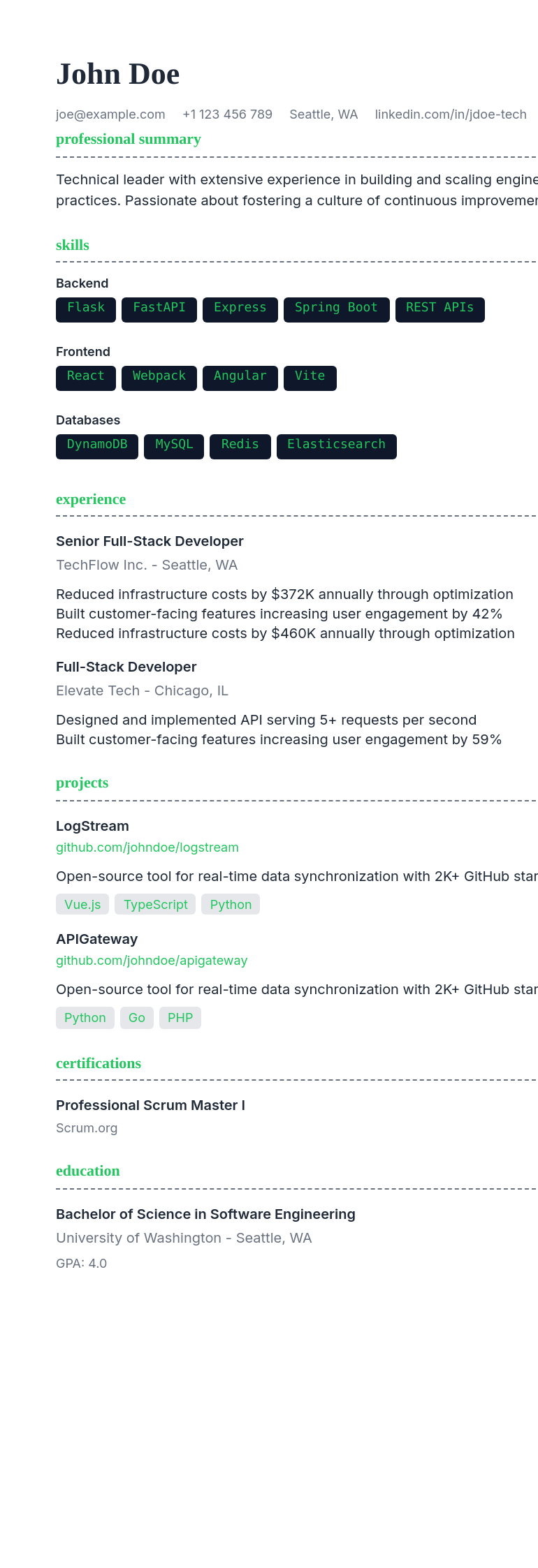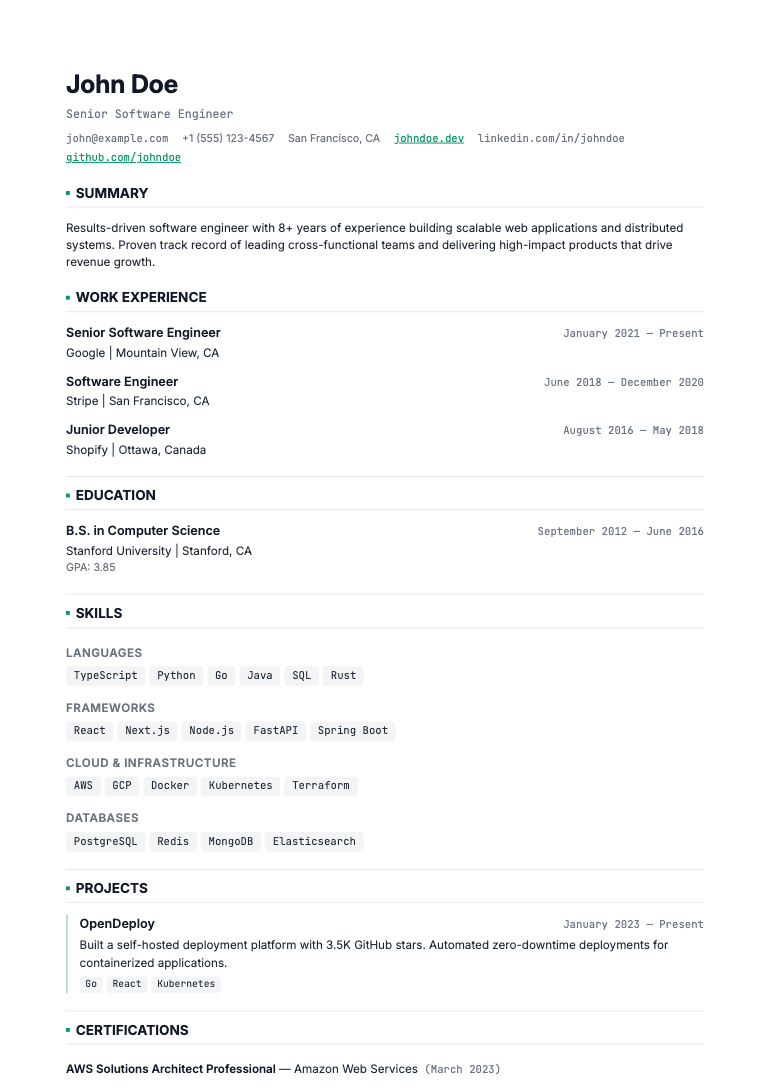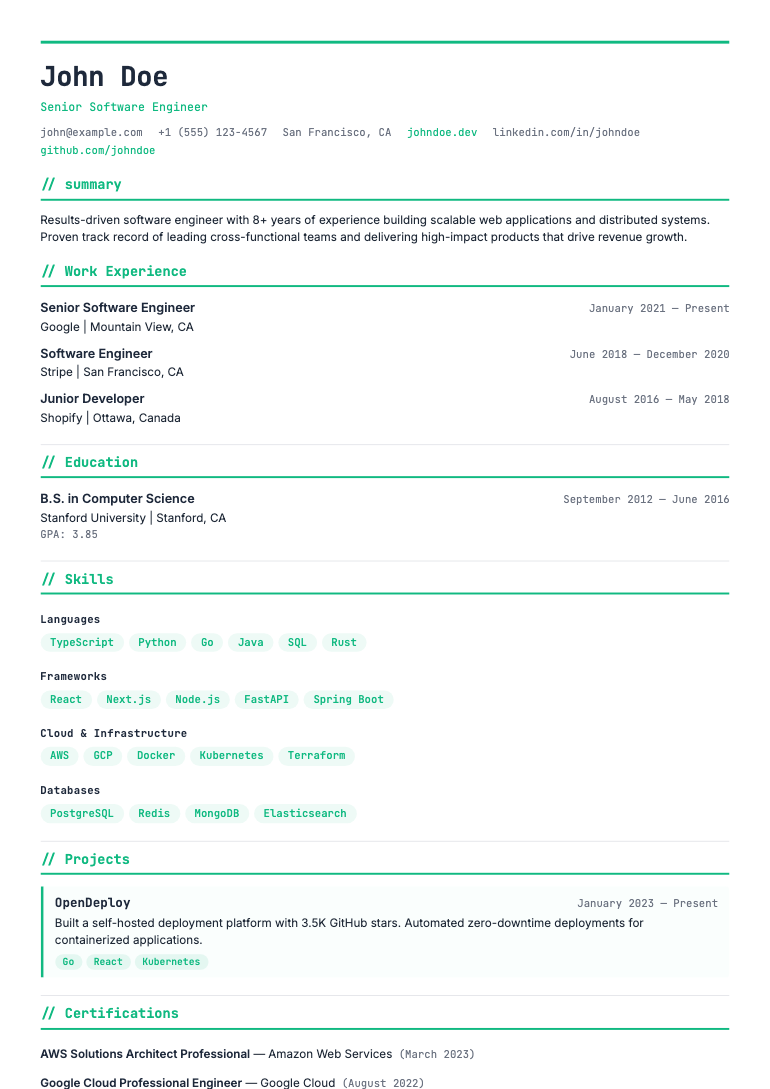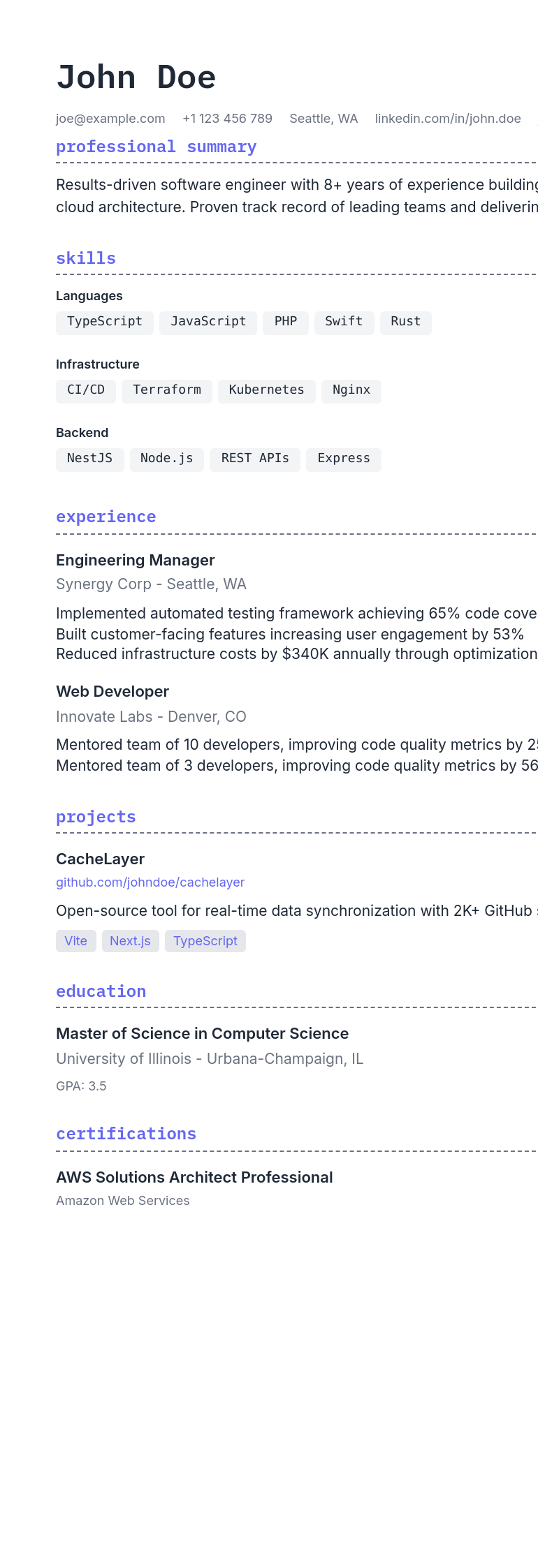
Nexus resume template
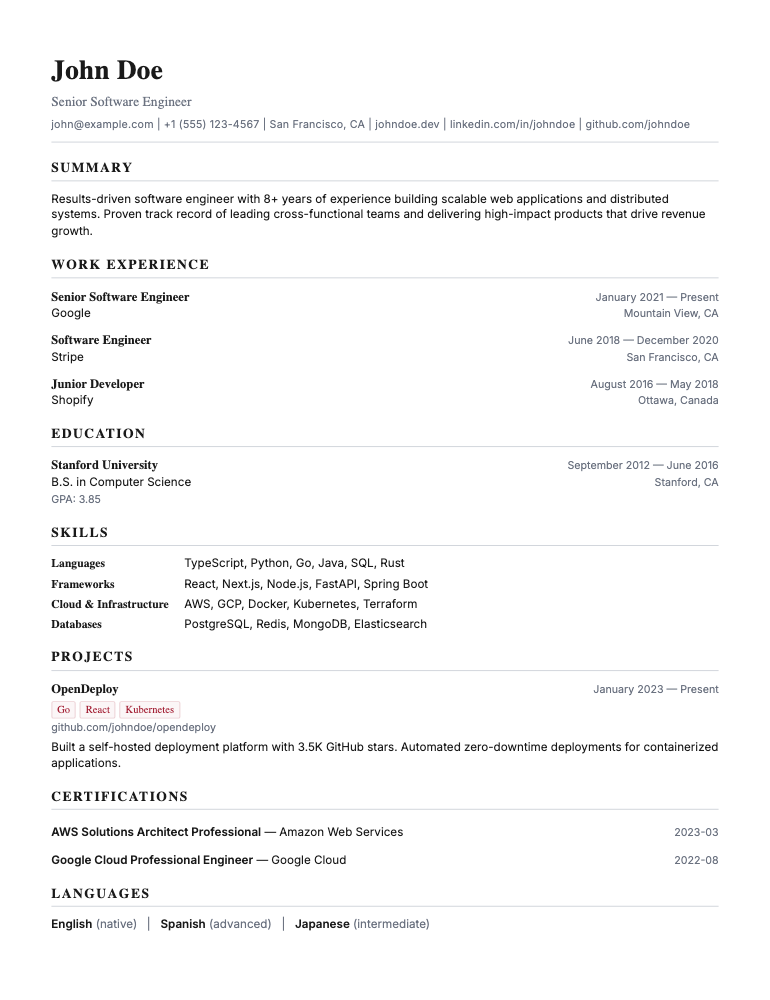
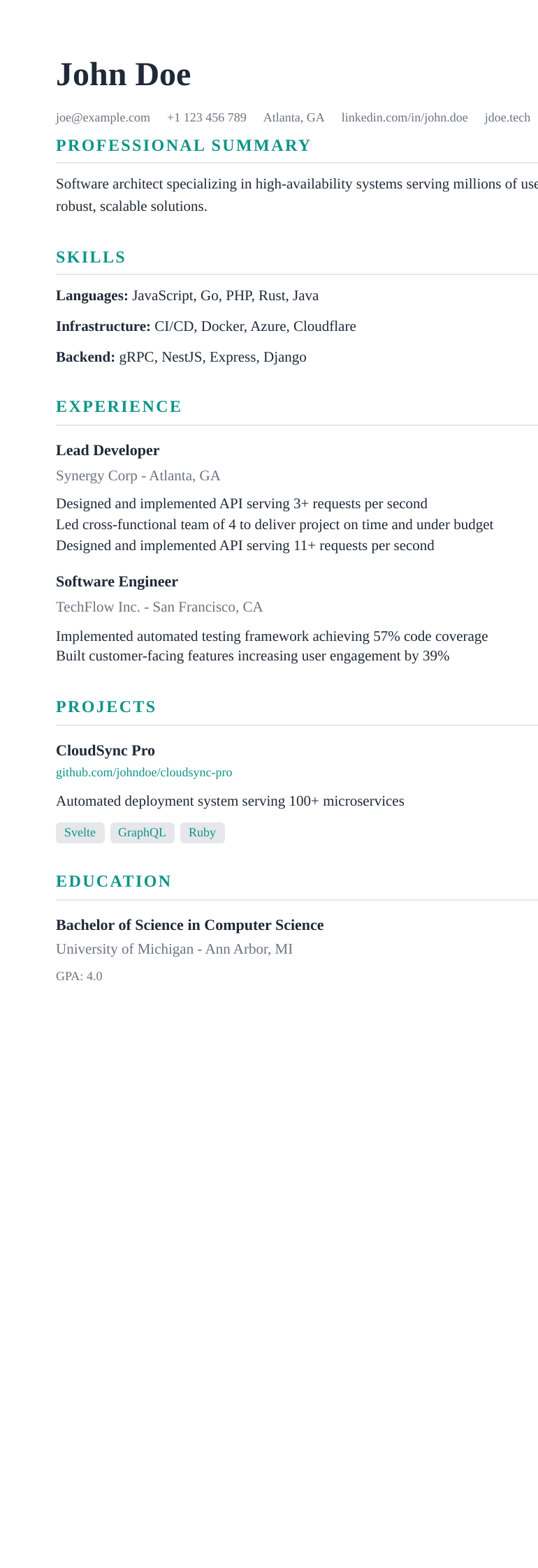
Tech stack sidebar, project cards in main column, JetBrains Mono headings.
Who it is for
- Full-stack developers
- Frontend engineers
- Mobile developers
How it is built
- Layout
- Two column
- Heading font
- JetBrains Mono
- Body font
- Inter
- Accent colour
- #7c3aed
- Category
- Technical
Will software read it correctly?
Nexus uses a two-column layout with a sidebar. It reads well to a person, and some older parsers flatten columns when they read it. If you are pasting into a portal that strips formatting, Bolt carries the same content in a single column.
How to use it
- Pick this template and open it in the editor.
- Import an existing resume, or start from a blank one.
- Edit your content - the layout, fonts and spacing stay consistent as you type.
- Export to PDF or DOCX. Exports are unlimited on every plan, including the free one.
Every template is free on every plan, including the free one, with unlimited PDF and DOCX exports. Templates are not what we charge for.